
This manual is for Magellan RoadMate 9212T-LM user manual, which introduces the product use method and precautions.
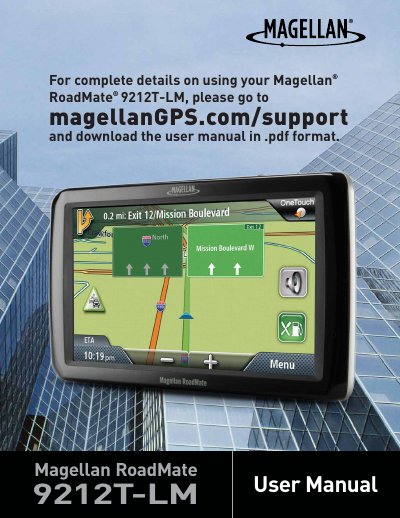
This document is the user manual for the Magellan RoadMate 9212T-LM, a vehicle navigation aid designed to assist drivers in reaching selected destinations. It provides instructions on powering the device, adjusting settings like volume and brightness, and navigating the main menu and map screen. The manual also details how to create routes to addresses, points of interest (POIs), and intersections, as well as managing the address book and one-touch icons.
| Maximum operating temperature | 140°F (60°C) |
|---|---|
| Charging time | approximately 4 hours |
| Estimated battery usage | approximately 2 hours |
| FCC Class | Class B digital devices |
It takes approximately 4 hours to obtain a full battery charge using the vehicle power adapter or optional AC adapter.
No, the driver should only enter data or program the receiver when the vehicle is stationary.
The maximum operating temperature is 140°F (60°C).