
CNC GUIDE is a PC software that enables the execution and display of what is equivalent to the actual CNC. One can learn how to operate CNC, check the machining program, confirm the operation of customization features. And, by connecting the MOP simulator, one can train with the same operation feeling as an actual machine.
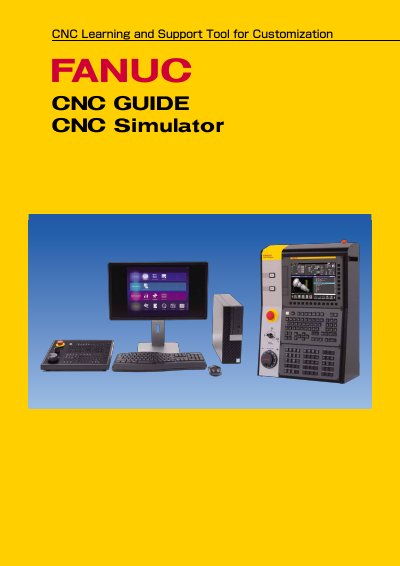
The FANUC CNC GUIDE is a PC software tool that enables the customization execution and display of functions equivalent to an actual CNC machine. It allows users to learn CNC operation, check machining programs, and confirm the operation of customization features. By connecting the MOP simulator, users can train with the same operation feeling as an actual machine tool.
| External dimensions (MOP Simulator) | 320mm x 260mm x 65mm (w x d x h) |
|---|---|
| External dimensions (CNC Simulator) | 421mm x 220mm x 608mm (w x d x h) |
| Weight (CNC Simulator) | Approx 12 kg |
| Display device (CNC Simulator) | 10.4" LCD |
| Maximum number of paths (Machining center system) | 4 paths |
| Maximum number of control axis (Machining center system) | 20 axes |
| Maximum program capacity (Machining center system) | 8Mbyte |
| Maximum program number (Machining center system) | 4000 |
| Maximum spindle number (Lathe system) | 1 axis |
| Maximum program capacity (Lathe system) | 32kbyte |
| Maximum program number (Lathe system) | 63 |
It enables the customization execution and display of what is equivalent to the actual CNC, allowing users to learn operation, check programs, and confirm customization features.
Yes, by connecting the MOP simulator, one can train with the same operation feeling as an actual machine.
Classroom licenses for 16 or 32 students and single licenses for self-study at home for 1 or 3 years are available.