
FANUC Series 30*/300*/300*s-MODEL A/31*/310*/310*s-MODEL A5/31*/310*/310*s-MODEL A/32*/320*/320*s-MODEL A User Manual

This user manual introduces the safety use methods of FANUC Series 30*/300*/300*s-MODEL A, FANUC Series 31*/310*/310*s-MODEL A5, FANUC Series 31*/310*/310*s-MODEL A, FANUC Series 32*/320*/320*s-MODEL A machine tools.
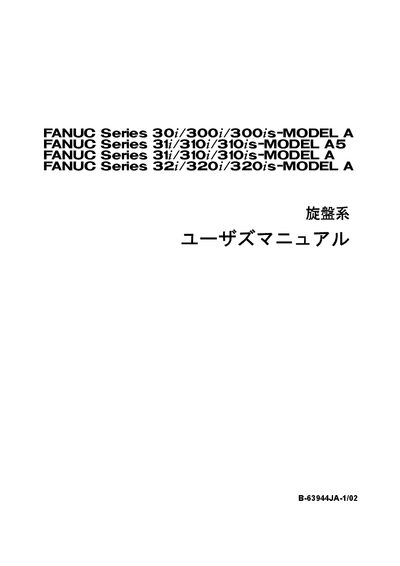

FANUC Series 30*/300*/300*s-MODEL A/31*/310*/310*s-MODEL A5/31*/310*/310*s-MODEL A/32*/320*/320*s-MODEL A User Manual - cover page
Brand
FANUC
Document type
User Manual
Language
Japanese
Pages
437
File format
PDF
File size
6.3 MB
Published
17 October, 2023
Updated
17 October, 2023
MD5 checksum
2D4ED8287EA034FD3AD9E9150742FED0

About this manual

This manual covers safety information for CNC equipment, including warnings, cautions, and notes that must be read before use. It explains how to safely start the machine, perform tool checks, and handle programming functions.

Detailed sections describe general warnings, programming-specific cautions, tool‑interference checks, absolute/incremental mode considerations, axis speed control, and the required stroke check after power‑on. This manual is written in Japanese.

What's inside

  • Safety Warnings
  • General Warnings and Cautions
  • Programming Warnings and Cautions
  • Tool Interference Check
  • Absolute/Incremental Mode
  • Axis Speed Control
  • Stroke Check
  • Tool Offset and Compensation
  • Parameter Settings

Frequently asked questions

What must be done before touching the MDI panel keys after power‑on?

Wait until the position display or alarm screen appears on the CNC screen before touching any MDI panel keys.

How can I avoid tool‑interference problems during automatic operation?

Ensure the tool number programmed for automatic operation matches the actual tool being used.

What is required for machines that need a manual reference point return?

After power‑on, always perform a manual reference point return; otherwise the stroke check will be disabled.

Download PDF (6.3 MB)

More FANUC Manuals


View all FANUC manuals →