
This document is about the copyright statement of Edimax Technology Co, LTD., including the use restrictions and warranty statements for the document contents
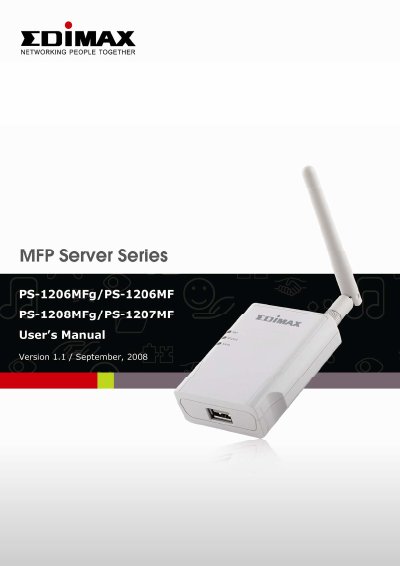
This manual guides users through installing and configuring the Edimax MFP Server (PS-1206MFg or PS-1208MFg) to share printer, scanner, card reader, and fax functions over a network. It covers setup for Windows, Mac, Unix, and Linux systems, including wireless and wired connections. The device supports multiple printing protocols and offers management tools for monitoring ink and paper levels.
The manual includes detailed installation steps, troubleshooting tips, and configuration options for TCP/IP, wireless, and server management, with specific guidance for different operating systems and compatibility notes for older systems.
The MFP Server Mode supports Windows 2000 SP4 above, Windows XP SP1 above, and Windows Vista.
Print Server Mode supports LPR, IPP, and RAW printing protocols.
The IEEE 802.11g/b wireless LAN provides up to 54Mbps data transfer rate.