
This file is a copyright notice from Edimax Technology Co, LTD. and it does not allow reproduction or modification.
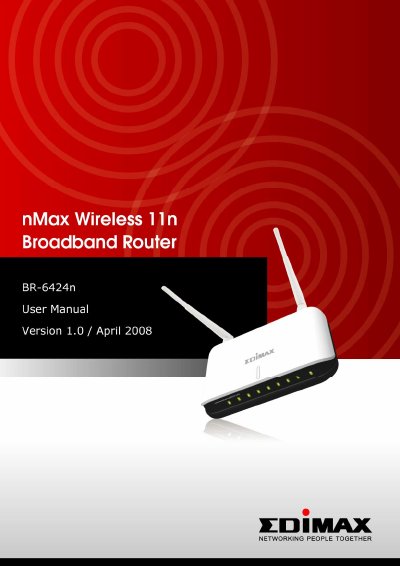
This manual provides comprehensive instructions for the Edimax BR-6424n wireless broadband router, designed for small office and home office use. It details how to establish network connections, configure system settings, and manage wireless security features. The device supports IEEE 802.11b/g/n standards and offers up to 300 Mbps transfer speeds with Draft-N capability.
| Wireless Standard | IEEE 802.11b/g/n |
|---|---|
| Max Transfer Speed | 300 Mbps |
| LAN Ports | Four 10/100Mbps |
| WAN Port | 10/100Mbps |
| Max LAN Users | 253 |
The router supports up to 253 LAN users sharing a single internet connection.
Press the Reset/WPS button and hold it for 20 seconds to clear all settings.
No, the router is designed for indoor use only and should not be placed outdoors.