
This manual introduces the basic configuration and use of AR-7084A/AR-7084gA/AR-7084B/AR-7084gB wireless/wired dual-mode routers.
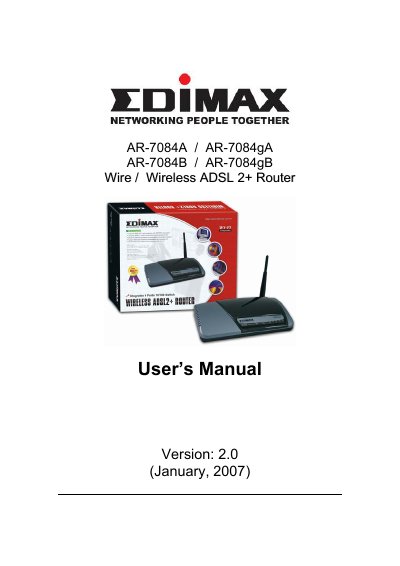
This user manual provides step-by-step instructions for installing, configuring, and managing the Edimax AR-7084 series router. It covers hardware setup, internet connection options, wireless settings, firewall and security features, and advanced networking functions like NAT, DMZ, and UPnP. The guide also includes troubleshooting tips and system maintenance procedures.
The router supports ADSL2+ broadband connections with speeds up to 24Mbps downstream and 1Mbps upstream. It includes a built-in ADSL modem, Ethernet switch, and wireless access point for 802.11g wireless connectivity. Security features include WEP, WPA-PSK, and WPA2-PSK encryption, MAC filtering, and SPI firewall protection.
| Wireless Speed | up to 54Mbps |
|---|---|
| Security Protocols | WEP, WPA-PSK, WPA2-PSK |
Yes, it includes a web management interface for configuring DHCP, NAT, firewall, and other advanced settings.
It complies with IEEE 802.11g/b standard.
It supports 64-bit/128-bit WEP, WPA-PSK and WPA2-PSK wireless security functions.
NAT enables a LAN network to use one set of IP address for internal traffic.