
Edimax BT-8500 Bluetooth 5.0 USB Adapter User Manual

This document is the BT-8500 user manual, which introduces the product package content, hardware overview, supported system, and Windows system plug-and-play installation and driver installation methods.
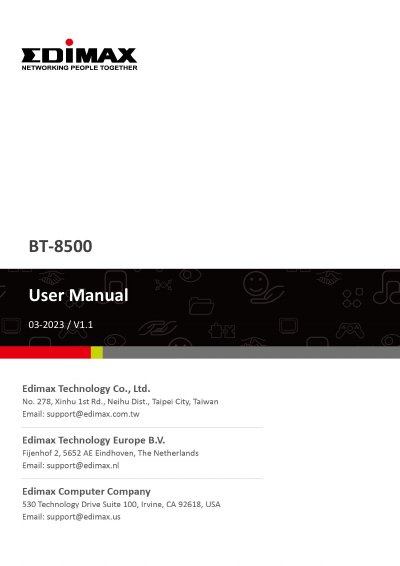

Edimax BT-8500 Bluetooth 5.0 USB Adapter User Manual - cover page
Brand
Edimax
Category
Other Computer Accessories
Document type
User Manual
Language
English
Pages
18
File format
PDF
File size
2 MB
Published
17 October, 2023
Updated
17 October, 2023
MD5 checksum
9C79BE448D842274D095C23E73678D8B

About this manual

This manual provides instructions for the Edimax BT-8500 Bluetooth 5.0 USB Adapter. It covers Windows Plug-and-Play installation, driver installation, and how to pair the adapter with Bluetooth devices. The document also includes safety instructions and frequently asked questions.

What's inside

  • Product Information
  • Windows Plug-and-Play Installation
  • Windows Driver Installation
  • Frequently Asked Question
  • Safety Instructions
  • Declaration of Conformity

Frequently asked questions

How to disable the existing Bluetooth device?

Right-click the Windows Start button, select the 'Device Manager', expand all the Bluetooth devices, right-click on the target device and disable it.

Why doesn't the Bluetooth icon display on the Windows taskbar?

Check if the Bluetooth service is enabled in Settings. If the icon still does not appear, you may need to install the driver.

Download PDF (2 MB)

More Edimax Manuals


View all Edimax manuals →