
This manual introduces how to use Pokémon Bank software, including preparations before using the software, how to purchase and use Pokémon Bank passes, and how to deposit and withdraw Pokémon.
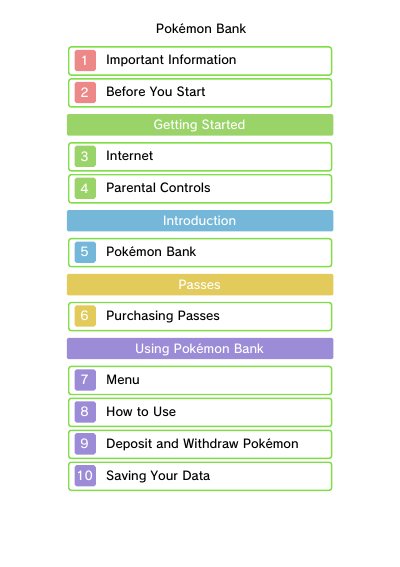
This manual explains how to use Pokémon Bank to store and transfer Pokémon between compatible games. It covers setup, parental controls, troubleshooting, and support resources. The service requires a valid pass and Nintendo Network ID to function.
Key features include depositing Pokémon from Pokémon X, Y, Omega Ruby, and Alpha Sapphire, and managing data through online Boxes. The pass expires after 365 days and must be renewed to continue using the service.
The pass expires 365 days from purchase. You must buy a new pass to continue using the service.
You can deposit Pokémon from Pokémon X, Pokémon Y, Pokémon Omega Ruby, and Pokémon Alpha Sapphire.
Yes, your Nintendo Network ID is used to access your Boxes in Pokémon Bank.