
Roku TV User Guide, introduce how to use Roku TV to connect TVs, set-top boxes, etc.
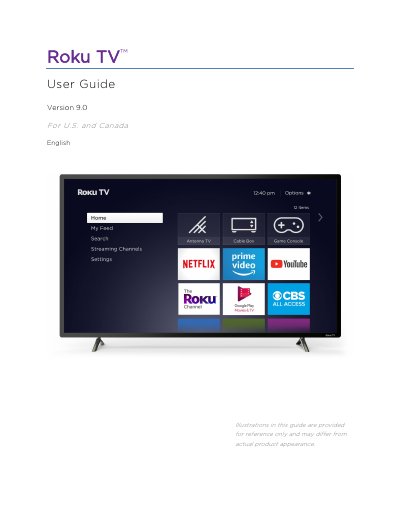
This guide helps you set up and use your Roku TV, including connecting devices, using the home screen, streaming content, and controlling the TV with voice commands. It covers features like Live TV Pause, Smart Guide (U.S. only), and parental controls. The guide is for U.S. and Canadian English users and includes instructions for using Roku’s mobile app and voice remotes (select models).
You can search by typing words or phrases using the on-screen keyboard or speak words or phrases in a conversational tone using Voice Search.
Yes, you can pause live TV for up to 90 minutes by connecting a USB drive with 16GB or bigger capacity to the TV.
Use your Roku Voice Remote (select models), Enhanced Voice Remote (select models), or the free Roku mobile app to control your Roku TV with conversational voice commands.