
This manual introduces the basic functions and operations of Roku TV™ to help you get started quickly.
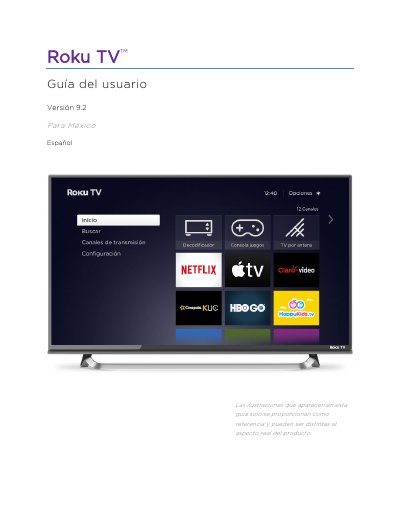
This document is the User Guide for the Roku TV, specifically version 9.2 for the Mexican market. It provides comprehensive instructions for setting up the device, connecting it to the internet and external hardware, and navigating the Roku operating system. The guide details how to use the remote control, customize the home screen, and manage various streaming channels and antenna inputs. This manual is written in Spanish.
| Version | 9.2 |
|---|---|
| Region | Mexico |
| Pause TV Live Duration | 90 minutes |
Go to Settings > System > About after completing the guided setup.
You will not be able to access the world of streaming channels and content described in the guide.
Yes, provided you connect a USB drive with 16 GB or greater capacity to the TV.