
Roku TV™ User Guide, introduces the connection and setup methods of Roku TV™ products, including connecting an antenna, cable, or satellite box
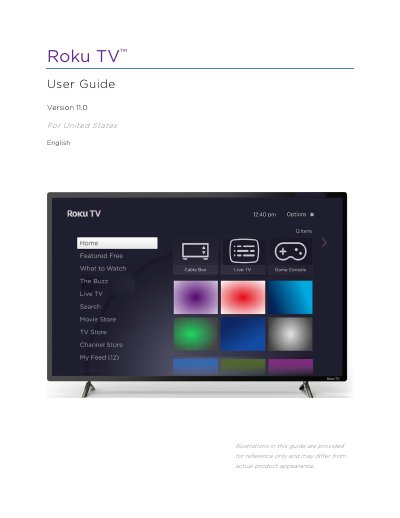
This document serves as the official user manual for Roku TV models running version 11.0 of the software. It provides comprehensive instructions on initial setup, including connecting to the internet via Wi-Fi or Ethernet, linking external devices like antennas and HDMI sources, and configuring power settings.
The guide details how to navigate the personalized Home screen, manage streaming channels, and utilize various remote controls, including standard remotes and Roku Voice Remotes. It also covers advanced topics such as adjusting picture and sound settings (including Dolby Audio), setting up parental controls, and troubleshooting network or system issues.
| Software Version | 11.0 |
|---|---|
| Region | United States English |
Go to Settings > System > About after you complete Guided Setup.
Yes, if you enable Live TV Pause in the settings.