
The DataMan 70 Series Reference Manual introduces the DataMan 70 Series
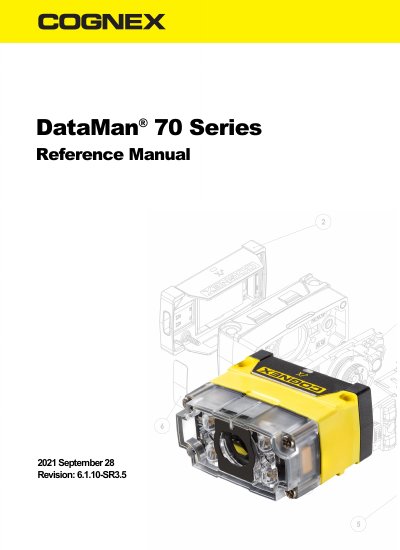
This manual provides detailed instructions for configuring and using Cognex DataMan 70 Series fixed-mount ID readers. It includes information on mounting, optics, lighting, communication modules, and software integration. The guide also references additional documentation for advanced setup and troubleshooting.
The DataMan 70 Series supports 1D and 2D barcode reading, including HotBars™, with flexible lighting and optics to optimize applications. It features USB and serial communication options and is designed for industrial vision applications without requiring a PC for basic setup.
| Reading Capabilities | 1D and 2D code reading, including HotBars™ |
|---|---|
| Communication Options | USB and serial communication |
| Optics Flexibility | Flexible optics/lighting to optimize applications |
The DataMan 70 Series supports USB and serial communication.
It reads 1D and 2D barcodes, including HotBars™, with best-in-class performance.
No, the reader can be set up and deployed quickly without a PC.