
This document is the Software description for digital control electronics Type 8605, which introduces the functions and features of the product, and its operating methods and configuration methods
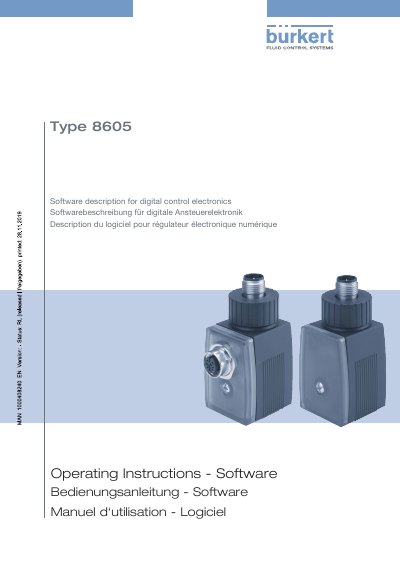
This document provides a software description for the Bürkert Type 8605 digital control electronics, intended for personnel responsible for planning, installation, setup, and maintenance. It details the software functions for integrating solenoid valves into a Bürkert büS network, including optional features for reading analogue and digital signals, simple time control, and two-point process control.
The guide explains how to operate the device using the Bürkert Communicator PC software, which is required alongside the USB büS interface set. It covers establishing a connection between the device and the PC, navigating the user interface, and configuring various settings within specific areas such as Valve, Time control, AI1/DI1, and DI2.
| Intended Use | configuration of devices supporting communication functions |
|---|---|
| Network Integration | integrating a solenoid valve into a Bürkert büS network |
| Optional Functions | reading analogue and digital signals |
| Optional Functions | Simple time control |
| Optional Functions | Simple two-point process control |
The Bürkert Communicator software is used to configure the device on the PC.
The USB büS interface set is required in addition to the software.
It can be downloaded free of charge from the Bürkert website.
The device must be used as intended in consideration of the specified operating conditions.