
This document explains how to use the Apollo Thunderbolt audio interface, including installation, configuration and use of the Apollo Console control software.
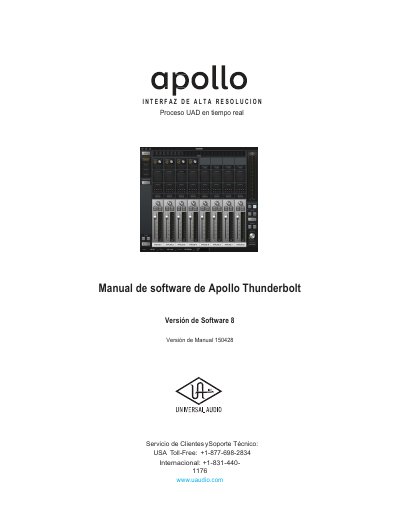
This document is the software user manual for the Apollo Thunderbolt interface, specifically for Software Version 8. It provides instructions for installing and configuring the software, including driver information and console setup. The manual details how to use the Console to control Apollo 8 hardware inputs, Unison plug-ins, and real-time UAD processing with low latency. This manual is written in Spanish.
| Latency | as low as 2 ms |
|---|---|
| UAD Plug-in Chain | up to four plug-ins |
| Unison Processing | wet or dry during recording |
| Demo Period | 14 days |
The main function of the Console is to control Apollo 8 hardware monitoring inputs, Unison plug-ins, and real-time UAD processing.
Yes, UAD plug-ins can be used simultaneously with the Console and/or the computer.
The latency is below 2 ms round trip.