
This file is the EIP-WX5000 EIP-WX5000L DLP® PROJECTOR SETUP MANUAL user manual
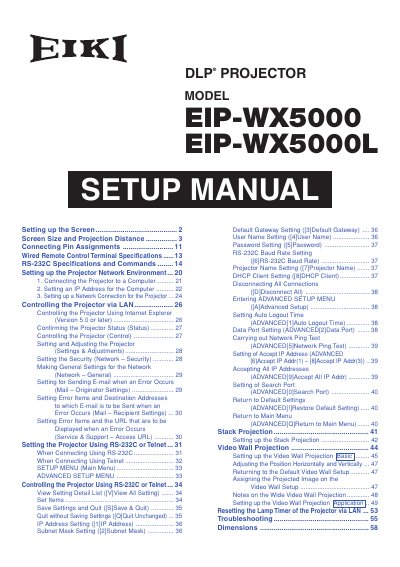
This document is the Setup Manual for the EIKI EIP-WX5000 and EIP-WX5000L DLP projectors. It guides users through the initial setup process, including optimal screen positioning to ensure the best image quality and calculating projection distances for various screen sizes. The manual details how to connect the projector to a computer and configure network settings via LAN or RS-232C.
| Lens Type (Standard) | AH-55501 |
|---|---|
| Lens Type (Fixed Wide) | AH-55201 |
| Lens Type (Tele-zoom) | AH-55601 |
| Lens Type (Tele-zoom) | AH-55701 |
| Lens Type (Tele-zoom) | AH-55801 |
| Lens Type (Wide-zoom) | AH-55401 |
| Lens Type (Fixed Wide) | AH-55301 |
Position the projector perpendicular to the screen with the projector's feet flat and level to eliminate the need for Keystone correction.
Readjust the setting to “Front” in the “PRJ Mode” menu.
Yes, the projector can be controlled using Internet Explorer (Version 5.0 or later) via LAN.