
This manual introduces MS320's user interface and provides detailed instructions on how to modify user variables, setpoints and security settings.
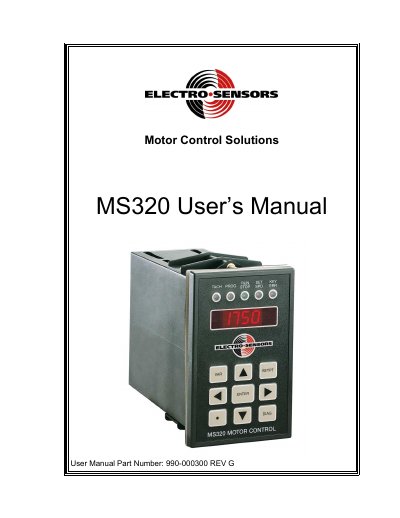
The MS320 is a single axis, unidirectional, low cost, closed-loop motor speed controller designed to operate in either a stand-alone master mode or in a follower mode behind a lead motor. It replaces manually operated speed potentiometers and works with AC or DC motor drives that accept 0–10 V or 4–20 mA speed command signals.
| Controller Type | single axis, unidirectional, low cost, closed-loop, motor speed controller |
|---|---|
| Operating Modes | stand-alone master mode or follower mode |
| Speed Command Signal | 0–10 V or 4–20 mA |
| Standard Inputs | Run/Stop Discrete Input, 2 General Purpose Discrete Inputs |
| Option Board Features | 2 Additional General Purpose Discrete Inputs, 2 SPST NO Relays, Modbus RTU Serial Communications, 2 Scalable Analog Inputs |
The MS320 should be installed by qualified personnel only.
The function of the MS320 is to control a motor's speed via a variable speed motor-drive.
Press the VAR key to access the user variable menu.
It indicates an invalid key press, an invalid user variable number, or an invalid user variable value.