
This manual explains how to use Photon sensors. Photon sensors come in two types: closing beam sensors and opening beam sensors. Closing beam sensors help prevent personal injury and/or property damage caused by crushing when connected to an automated system such as a gate motor or garage door operator. Opening beam sensors dramatically reduce the hazardous actions associated with a gate that is opening; such as dragging or shearing.
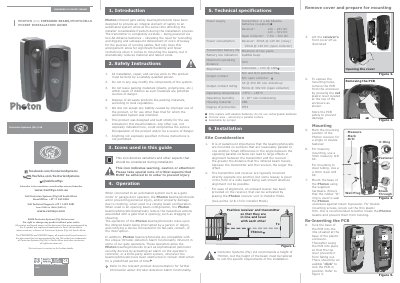
This guide provides instructions for the installation and operation of the Centurion PHOTON (30M) infrared safety beams/photocells. The system is designed to prevent personal injury and property damage in automated gate systems by detecting obstructions in the beam path. The transmitter is wireless and battery-powered, while the receiver connects to the automated system via wired connections.
| Power supply Transmitter | 2 x AA Alkaline batteries |
|---|---|
| Power supply Receiver | 12V – 24V AC / 12V – 30V DC |
| Open Collector | 7.5V – 30V DC |
| Maximum operating distance | 30m |
Press and hold the pushbutton on the receiver for a period of one second.
The buzzer on the transmitter PCB will emit an alarm tone.
Yes, by moving the jumper on the receiver from pins 2 and 3 to pins 1 and 2.