
This user guide is about Samsung SDS Digital Door Lock SHP-A30. It introduces the user guide content, such as usage method, installation method, etc.
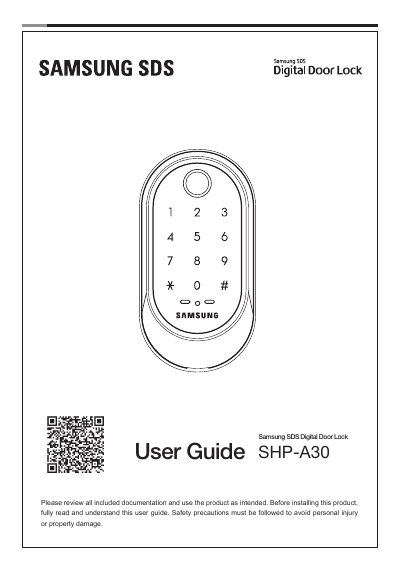
The Samsung SDS SHP-A30 is a digital door lock featuring a touch-sensitive number display pad. It supports up to 50 registered users with unique codes and includes a Randomizer function to prevent lockpicking via fingerprint traces on the screen.
This manual covers safety precautions, installation steps including door preparation and component assembly, programming features for PINs and fingerprints, authentication methods management, configuration settings, privacy modes, troubleshooting, and product specifications.
| Supported door thickness | 1-3/8" to 2-5/32" (35 to 55mm) |
|---|---|
| Maximum registered users | Up to 50 users |
The product should not be installed where the gap between the door and the frame is 5 mm or more.
The lock includes a Randomizer function to help prevent lockpicking.