
Samsung SDS SHP-DP728 64&3 Biometric Door Lock User Manual

This user manual provides installation, operation, and maintenance instructions for the Samsung SDS SHP-DP728 64&3 Biometric Door Lock.
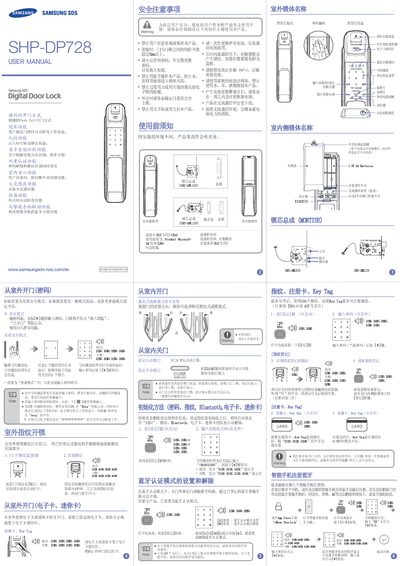

Samsung SDS SHP-DP728 64&3 Biometric Door Lock User Manual - cover page
Brand
Samsung SDS
Category
Other Electronics
Document type
User Manual
Language
English
Pages
2
File format
PDF
File size
4.8 MB
Published
14 October, 2026
Updated
14 October, 2026
MD5 checksum
A6EEC7B2F922FF11C26E2EA9159F42D5

About this manual

This document serves as the user manual for the Samsung SDS SHP-DP728 64&3 Biometric Door Lock. It covers essential safety precautions, such as managing passwords and avoiding water exposure, along with detailed usage guidelines for various access methods including electronic cards, passwords, and biometrics.

What's inside

  • Safety Precautions
  • Product Components
  • Opening from Outside (Card)
  • Opening from Outside (Password)
  • Opening from Inside
  • Initialization
  • Fingerprint Registration
  • Bluetooth Authentication
  • Battery Replacement

Frequently asked questions

What happens if the wrong password is entered five times in a row?

The lock will emit twenty 'Beep' sounds and automatically stop working for three minutes.

How long must one wait after the lock stops working before it resumes?

The electronic lock will automatically resume operation three minutes after stopping.

What is the maximum number of fingerprints and cards that can be registered?

The device supports up to one hundred fingerprints and twenty cards or Key Tags.

Download PDF (4.8 MB)

More Samsung SDS Manuals


View all Samsung SDS manuals →