
Key facts
- Manuals
- 1
- Languages
- EN
- Last added
- 2026-10-14
Featured Samsung SDS manuals
Samsung SDS SHP-DP609 Smart Door Lock User Manual
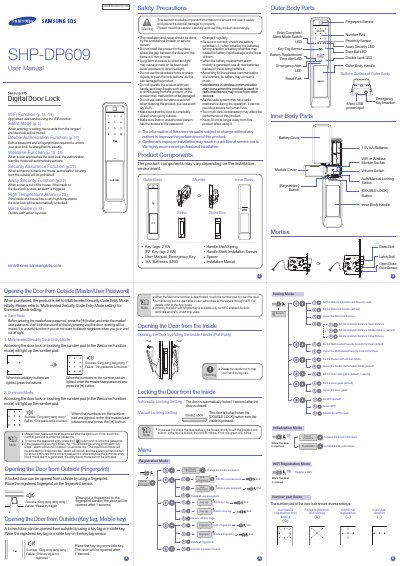
The Samsung SDS SHP-DP609 is a smart door lock designed to provide secure access control with advanced features such as fingerprint recognition, password entry, and card registration. It supports WiFi functionality for app-based user services and includes safety mechanisms like high temperature alarms and away security alerts.
The manual details the installation components, including outer and inner body parts, batteries, and tools required. It also outlines various operational modes, including multi-leveled security code entry, common mode, double authorization, and welcome functions. Users can customize settings for door closing time, detection distance, and voice guides to suit their needs.
Covers: Product Components · Safety Precautions · Silent Mode Operation · Multi-leveled Security Code Entry · Common Mode Setting · Opening the Door from Outside
Latest Samsung SDS manuals
Samsung SDS SHP-DP609 Smart Door Lock User Manual
User Manual 4 pages · 13.9 MB · ENThis user manual provides instructions for the Samsung SDS SHP-DP609 smart door lock, covering features like WiFi connectivity, silent mode, and various…
Which document do I need?
User Manual
Day-to-day operation, settings and troubleshooting. Start here if the product is already set up.
Questions answered in Samsung SDS manuals
How does the Silent Mode function work?
When entering or exiting, the sounds from the keypad and doorlock will be muted by pressing the button before entering the password.
What is the Double Authorization Function?
Both a password and a fingerprint are required to unlock your door lock to strengthen its security.