
This document provides step-by-step guidance on how to upload new company registration documents
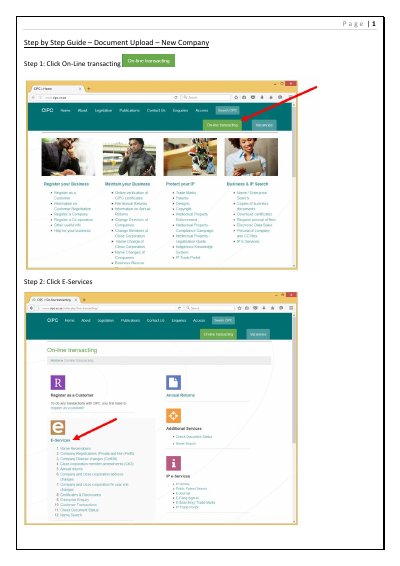
This guide provides step-by-step instructions for users to upload necessary documentation through the Companies and Intellectual Property Commission (CIPC) eServices system. It details the specific files required, such as signed application forms and certified ID copies.
The process covers navigating the login page, selecting the correct service option, uploading PDF or TIFF files within a 10MB size limit, and confirming the submission to forward the transaction for processing.
Documents must be in PDF or TIFF format, though PDF files are preferred.