
This file is the NexImage user manual, which introduces the use of NexImage Solar System imaging camera
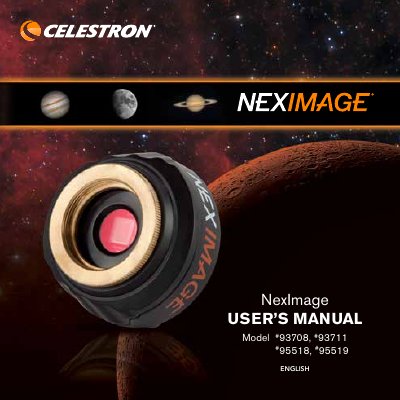
The document is a user guide for the Celestron NexImage series of digital cameras designed for capturing images of the solar system. It details the contents of the package, including the camera body, nose piece, USB cable, and accompanying software (Nexlmage iCap and RegiStax). The guide outlines minimum computer system requirements necessary to operate the device.
| Sensor Format (Model #93708) | 1/3-inch format Aptina MTSPO031 CMOS |
|---|---|
| Resolution (Model #93708) | 1.2MP (1280 x 960) |
| USB Cable Type (Model #93708) | High-speed USB 2.0 cable |
The package includes a CD containing the Nexlmage iCap and RegiStax processing software.
The recommended minimum system includes a Pentium IV 2.0 GHz processor, 1GB RAM, and Windows XP, Vista, or 7.
Yes, it can be used as an autoguiding camera when used with an off-axis guider or piggyback guidescope.