
This manual introduces the basic operation methods and usage skills of the T601DL mobile phone.
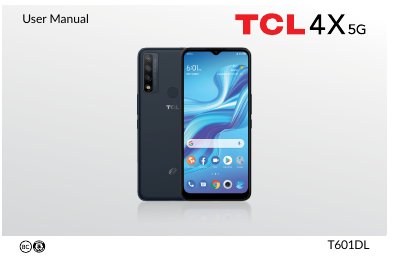
The document serves as a comprehensive guide for the TCL T601DL smartphone. It covers initial setup procedures including SIM card installation and first-time power-on configuration. The manual details how to use physical keys such as the Power key, Volume keys, and the dedicated Google Assistant button, alongside touchscreen gestures.
Press and hold the Power key for more than 11 seconds to reboot.
Press and hold the Power key and Volume down key simultaneously to capture a screenshot.
It is the Google Assistant Button; press it to access the Google Assistant.