
The document is a remote control manual, which introduces the functions and usage of the remote control.
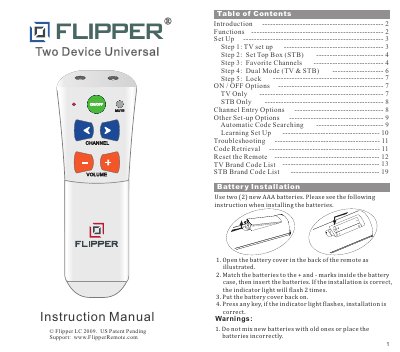
This document is a user instruction manual for the Flipper Two Device Universal Remote Control. It provides step-by-step guidance on installing batteries and setting up the device to operate both a Television (TV) and a Set Top Box (STB). The remote allows users to control power, volume, and channel navigation for both devices simultaneously or independently.
| Battery Type | Two new AAA batteries |
|---|---|
| Max Favorite Channels | 30 channels |
Open the battery cover in the back, match the batteries to the + and - marks inside the case, insert them, and press any key. If correct, the indicator light will flash twice.
In Dual Mode, the ON/OFF button powers on and off both the TV and STB simultaneously.