
The document is a remote control manual, which describes how to set up the remote control's functions, including TV and Set Top Box settings, as well as other setup options.
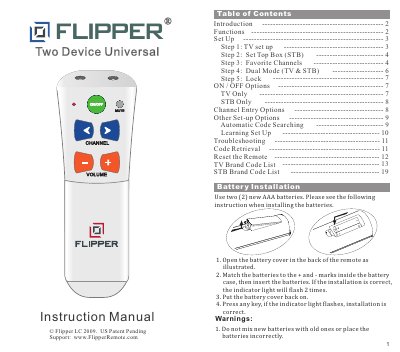
This manual provides instructions for the Flipper LC two-device universal remote control, designed to operate both a television and a Set Top Box (STB). It covers essential functions such as power control, volume adjustment, and channel navigation for both devices. The guide explains how to install batteries and program the remote using automatic code searching or manual code entry for various TV and STB brands.
| Battery Type | Two (2) new AAA batteries |
|---|---|
| Maximum Favorite Channels | 30 |
| Compatible Devices | Television and Set Top Box (STB) |
Open the battery cover in the back, match the batteries to the + and - marks, insert them, and press any key to verify the indicator light flashes twice.
Prime the remote by holding ADD until the light flashes once then turns solid, enter 954, then enter the 3-digit code for your TV brand.
Dual Mode allows the remote to power on and off both the TV and STB simultaneously, with the keypad controlling the STB and the TV button controlling the TV.