
SEMEM-XM-h431 intelligent liquid level indicator user manual, introduces the connection method, inspection method and parameter setting method of the product.
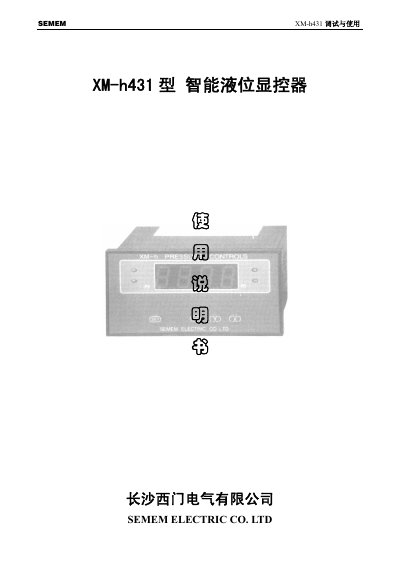
The SEMEM XM-h431 is an advanced liquid level control device designed for use with depth transmitters. The document details how to connect power (220V AC) and the transmitter, as well as configuring relay outputs for high and low level alarms.
Users can adjust factory default parameters such as upper and lower limit levels via a menu system protected by a lock code. The manual also covers RS485 communication settings, including baud rate and address configuration. This manual is written in Chinese.
The device must be connected to a 220V AC, 50Hz power source.
The defaults are Upper Limit 1: 1.00m, Lower Limit 1: 0.50m, and Upper Limit 2: 5.00m.
The default communication baud rate (bAud) is 9600.