
This User Guide provides important information on installing and using your VB-CAM-201 camera, as well as registering your product for future service. Warranty information contained in this User Guide will describe your limited coverage from ViewSonic® Corporation.
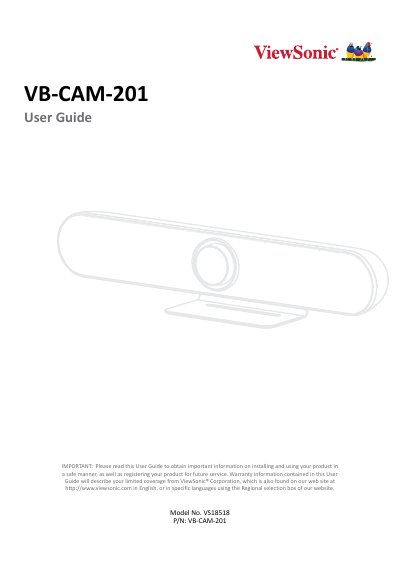
This document is the official user guide for the ViewSonic VB-CAM-201 conference camera. It covers the complete lifecycle of the device, from unboxing and initial setup to advanced configuration and maintenance. The guide details how to install the camera on a wall or desk, connect it to power and external devices like HDMI and USB microphones, and pair it with the included 2.4G remote control.
The manual provides step-by-step instructions for navigating the On-Screen Display (OSD) menu to configure video, audio, and network settings. It also explains specific features such as Live Mosaic View, participant tracking, and firmware updates. Additionally, the guide includes troubleshooting tips, maintenance procedures for cleaning the lens and case, and warranty information.
| Video System | 4K@30fps, 1080P@30fps, 720P@30fps |
|---|---|
| Sensor | Sony, 1/2.5 inch, CMOS, 8.51M pixel |
| Lens Field of View | 121° (DFOV), 110° (HFOV) |
| Zoom | 5x Digital Zoom |
| PTZ Movement | Pan/Tilt ± 15° |
| Microphone Pickup Distance | up to 6 meters |
| Speaker Output | 96 dB SPL in the case of 0.5 meters |
| USB Interface | 1 x USB 3.0, 1 x USB 2.0 |
| Power Input | DC 12V, 1.5A (Max) |
| Dimensions | 601 x 116 x 142 mm (bracket included) |
The microphone array can pick up sound from a distance of up to 6 meters.
Yes, the camera supports a video system of 4K@30fps, 1080P@30fps, and 720P@30fps.
The remote control requires two "AAA" batteries.
No, the HDMI port only supports video output.