
This manual introduces the basic use of the ViewSonic PG707X/PG707W projector, including installation, connection and usage methods.
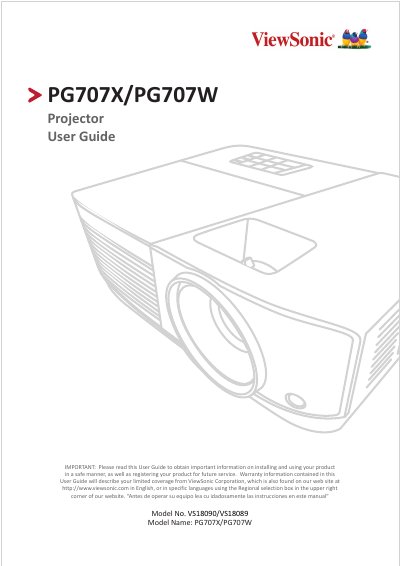
The ViewSonic PG707X and PG707W are high-brightness projectors featuring 4000 ANSI lumens and a 22000:1 contrast ratio, suitable for small-to-medium spaces like meeting rooms and classrooms. The PG707X supports a native 4:3 aspect ratio, while the PG707W supports a native 16:10 aspect ratio.
| Brightness | 4000 ANSI lumens |
|---|---|
| Contrast Ratio | 22000:1 |
| Lamp Life | 20,000 hours |
| Power Consumption (Standby) | < 0.5W |
The PG707X has a native resolution of 1280 x 1024 (4:3), while the PG707W has a native resolution of 1920 x 1200 (16:10).
You must allow the projector to cool for approximately 45 minutes prior to removing the lamp assembly.