
WAY-DX and WAY-DXM Manual Digital Display is a multifunctional unit with several operating modes, e.g. speed or position indicator, counter, flow time indicator, timer, stopwatch or process indicator.
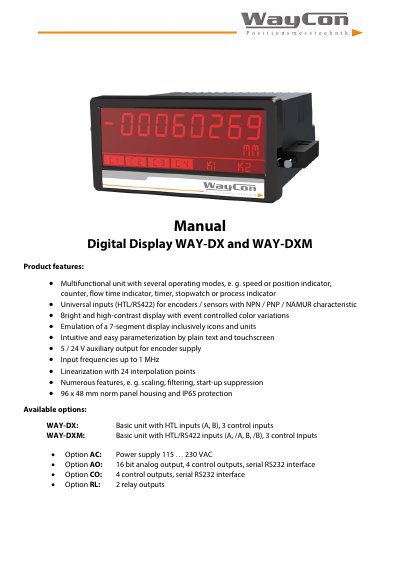
The WAYCon WAY-DX and WAY-DXM are multifunctional digital display units designed for industrial machines. They support various operating modes including speed indicator, counter, flow time indicator, timer, stopwatch, and process indicator. The devices feature universal inputs compatible with HTL/RS422 encoders and sensors (NPN/PNP/NAMUR) and offer a high-contrast 96 x 48 mm display.
| Display size | 96 x 48 mm |
|---|---|
| Protection class | IP65 |
| Input frequency max | 1 MHz |
| DC Power Supply range | 18 to 30 V |
| Power consumption approx | 100 mA |
| Auxiliary output voltage (DC version) | approx. 5 V lower than supply |
The unit supports PNP, NPN, NAMUR, and Tri-State characteristics for incremental inputs.
The unit features a norm panel housing measuring 96 x 48 mm.
The DC version should be loaded with a maximum of 250 mA, while the AC version is limited to 150 mA.
The device must only be installed and operated within the permissible temperature range specified in the Technical Specifications.