
This is a user manual for a mechanical articulating video borescope with HDMI output
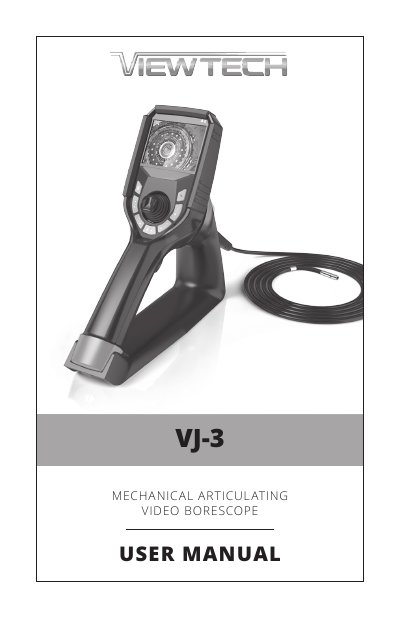
The ViewTech VJ-3 is a nondestructive visual testing instrument featuring integrated optics, illumination, and joystick-actuated steering. It is designed for the remote visual inspection of machinery, equipment, and components that are otherwise inaccessible. The system consists of an insertion tube with a distally mounted camera and LEDs, and a base unit containing the control panel, LCD monitor, and power source.
| Insertion Tube Outer Diameter | 2.8mm, 3.9mm, 6.0mm |
|---|---|
| Insertion Tube Length | 1.0m, 2.0m, 1.5m, 3.0m, 5.0m, 8.0m |
| Exterior Material | Tungsten EasyGlide, crush-resistant |
| Articulation Range | 360° around, 140±10° backward |
| Field of View | 84° x 84° |
| Illumination Output | ≤ 4,000 Lux |
| Pixels | 160,000 |
| Display Monitor | 3.5'' IPS anti-glare LCD |
| Internal Storage | 16 GB SD Card |
| Battery | One 18650 Li-ion battery |
| Operating Temperature (Base Unit) | 14 – 122°F (-10 – 50°C) |
| Protection Grade | IP67 |
The device requires a 3.6V lithium battery, model 18650B with PCB-protection (button top).
No, the manual warns not to use or store the borescope in high-temperature, high-humidity, or high-radiation environments.
Do not yank or forcefully remove it; instead, ensure the bending section is straight and gently rotate the joystick until it becomes loose.
The device supports JPEG/JPG/PNG formats, with an optional date and time stamp.