
This document is the user manual of VJ-4 mechanical articulating video borescope, which mainly introduces the use of the product, precautions, etc.
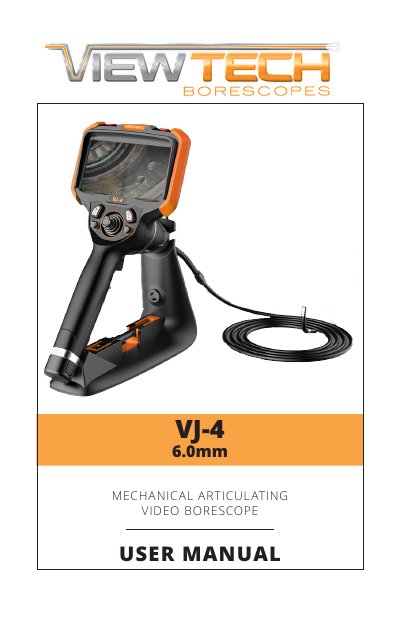
The ViewTech VJ-4 is a portable, one-handed mechanical articulating video borescope designed for inspecting machinery and equipment. It features a 5.5-inch OLED touch screen, a 6.0mm tungsten insertion tube with EasyGlide coating, and a 360-degree articulation range. The device supports photo and video recording with internal storage and SD card expansion, offering high-intensity LED illumination and various image processing functions.
| Insertion Tube Outer Diameter | 6.0mm |
|---|---|
| Insertion Tube Lengths | 1.5m, 3.0m, 5.0m or 8.0m |
| Insertion Tube Exterior Material | Tungsten EasyGlide |
| Articulation Range | 360° around, 160±10° backward |
| Field of View | 80° x 60° or 100° x 75° |
| Effective Pixels | 921,600 pixels (1.5m, 3.0m, 5.0m) |
| Illumination Output | ≤ 20,000lux or ≤ 60,000lux |
| Base Unit Display | 5.5'' OLED touch screen |
| Internal Storage | 32 GB SD Card |
| Operating Time | ≤ 3 Hours |
The recommended temperature range for discharging and charging the lithium ion batteries is 0°C to 40°C (32°F to 104°F).
The borescope requires 18650B lithium batteries with PCB-protection (button top).
The insertion tube should always be stored with the bending section straight, adjusted using the joystick rather than fingers.
Forcing the joystick can result in damage to the articulation control wires, the joystick assembly, or the equipment being inspected.