
This manual describes the installation process for the iSC250 and iSCTouch250 secure electronic payment devices.
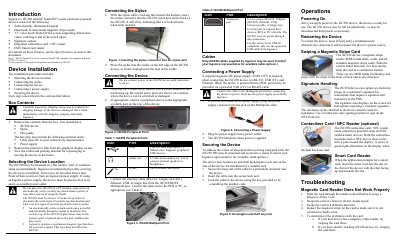
The document provides an introduction to the Ingenico iSC250 and iSCTouch250 secure electronic payment devices. It details the device components, including the ADA-friendly keypad, dual-head magnetic stripe reader, touch screen, signature capture, and contactless/NFC capabilities.
Installation instructions cover selecting a suitable location away from magnetic interference, connecting the stylus, attaching peripheral cables to the multipoint port, powering the unit via an Ingenico supply or POS system, and securing the device using a Kensington lock.
| Screen Size | 3.5 inches |
|---|---|
| Power Input (Separate Supply) | 192011597 |
Press [Clear] and [-] simultaneously, or disconnect and reconnect the power source.
Do not place it on a PC monitor, near active security tag deactivation systems, or within 12 inches of such pads.