
Ingenico Link/2500 Credit Card Reader Easy Setup Guide

This document is the setup guide for ingenico Link/2500 credit card reader
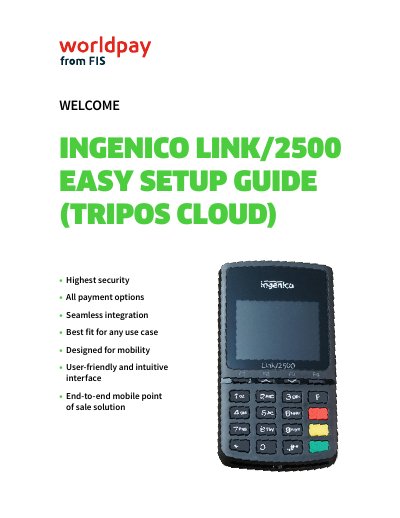

Ingenico Link/2500 Credit Card Reader Easy Setup Guide - cover page
Brand
Ingenico
Category
Other Electronics
Document type
User Manual
Language
English
Pages
15
File format
PDF
File size
972 KB
Published
16 October, 2023
Updated
16 October, 2023
MD5 checksum
1343C11E6B651AA74720009E5F65DBE2

About this manual

The document serves as an easy setup guide for the Ingenico Link/2500 mobile point of sale solution. It details the initial unboxing process, listing included items such as the USB-C charging cable and power supply. The guide emphasizes that new devices require a minimum of 4 hours of charging before first use.

What's inside

  • Unboxing
  • Charging Instructions
  • Static IP Configuration
  • Dynamic IP Configuration
  • Activation Code
  • WiFi Requirements

Frequently asked questions

How long must the device charge before first use?

If setting up the Link/2500 for the first time, allow it to charge for at least 4 hours.

What is the activation code format for a production device?

Production devices display an activation code starting with 'P' followed by six numbers (P######).

Which WiFi encryption is recommended for the Link/2500?

Encryption should be WPA2-PSK only to ensure stable connectivity.

Download PDF (972 KB)

More Ingenico Manuals


View all Ingenico manuals →