
Nexia TCONT624AS42DA Comfort Control User Guide

This document introduces the features and characteristics of the product TCONT624AS42DA Comfort Control, including remote control, temperature control, humidity control, etc.
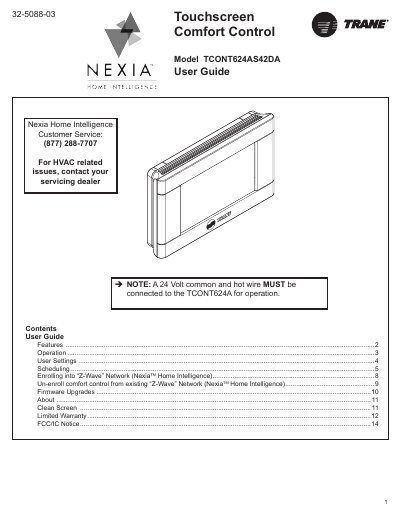

Nexia TCONT624AS42DA Comfort Control User Guide - cover page
Brand
Nexia
Document type
User Manual
Language
English
Pages
14
File format
PDF
File size
1.5 MB
Published
16 October, 2023
Updated
16 October, 2023
MD5 checksum
EA52DDCA87CB994FA63E7997DB71762F

About this manual

The document provides instructions for operating the Nexia TCONT624AS42DA Comfort Control, a 24V Z-Wave device with an interactive 4.3-inch touchscreen designed for forced air heating and cooling HVAC systems. Key features include remote access via smartphone or tablet using the Nexia Home Intelligence account, built-in humidity sensing, and programmable schedules.

What's inside

  • Features
  • Operation
  • User Settings
  • Scheduling
  • Enrolling into Z-Wave Network
  • Firmware Upgrades

Frequently asked questions

What electrical connection is required for the TCONT624AS42DA to operate?

A 24 Volt common and hot wire must be connected to the unit.

What is the default minimum separation between heating and cooling setpoints?

The system normally maintains a 3-degree separation between heat and cool modes.

Download PDF (1.5 MB)

More Nexia Manuals


View all Nexia manuals →