
Key facts
- Manuals
- 2
- Languages
- EN
- Last added
- 2023-10-16
Featured Nexia manuals
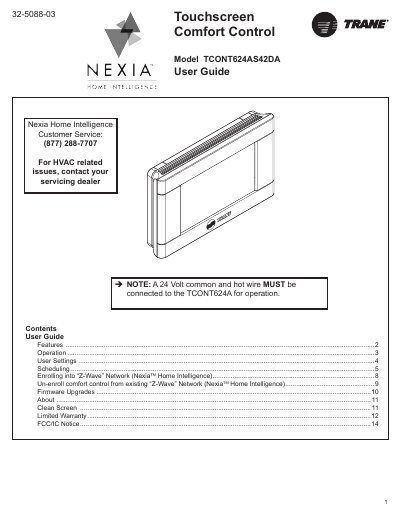
Nexia TCONT624AS42DA Comfort Control User Guide
The document provides instructions for operating the Nexia TCONT624AS42DA Comfort Control, a 24V Z-Wave device with an interactive 4.3-inch touchscreen designed for forced air heating and cooling HVAC systems. Key features include remote access via smartphone or tablet using the Nexia Home Intelligence account, built-in humidity sensing, and programmable schedules.
Covers: Features · Operation · User Settings · Scheduling · Enrolling into Z-Wave Network · Firmware Upgrades
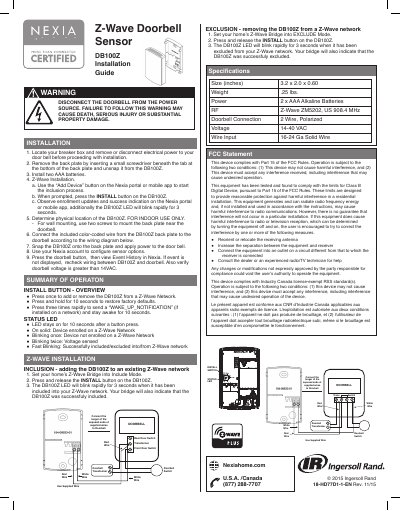
Nexia DB100Z Z-Wave Doorbell Sensor Installation Guide
This guide provides instructions for installing the Nexia DB100Z Z-Wave Doorbell Sensor. It covers safety warnings, physical mounting, and connecting the device to the existing doorbell wiring. The document specifies that the device operates on 14-40 VAC and requires two AAA alkaline batteries.
Covers: Specifications · Installation · Z-Wave Installation · Summary of Operation · Exclusion · Wiring Diagram
Latest Nexia manuals
Nexia TCONT624AS42DA Comfort Control User Guide
User Manual 14 pages · 1.5 MB · ENThis user guide covers the operation, settings, scheduling, and Z-Wave network enrollment for the Nexia TCONT624AS42DA touchscreen comfort control.
Nexia DB100Z Z-Wave Doorbell Sensor Installation Guide
Installation Guide 1 pages · 656 KB · ENInstallation and configuration guide for the Nexia DB100Z Z-Wave Doorbell Sensor, including wiring, battery installation, and network inclusion steps.
Which document do I need?
User Manual
Day-to-day operation, settings and troubleshooting. Start here if the product is already set up.
Installation Guide
Mounting, wiring and first power-up. Read it before the hardware goes in.
Questions answered in Nexia manuals
What electrical connection is required for the TCONT624AS42DA to operate?
A 24 Volt common and hot wire must be connected to the unit.
What is the default minimum separation between heating and cooling setpoints?
The system normally maintains a 3-degree separation between heat and cool modes.
How do I add the DB100Z to a Z-Wave network?
Set your home's Z-Wave Bridge into Include Mode, then press and release the INSTALL button on the DB100Z.
From: Nexia DB100Z Z-Wave Doorbell Sensor Installation Guide
What does a blinking LED indicate?
A blinking LED indicates that the device is not enrolled on a Z-Wave Network.
From: Nexia DB100Z Z-Wave Doorbell Sensor Installation Guide