
The document describes a doorbell product with dimensions of 3.2 x 2.0 x 0.60 inches and a weight of 0.25 lbs. It is powered by 2 AAA alkaline batteries and supports Z-Wave ZM5202 RF technology in the US 908.4 MHz frequency range. The doorbell connection requires 2 wire, polarized voltage of 14-40 VAC, and wire input of 16-24 Ga solid wire. Additionally, the document includes FCC compliance information and a warning.
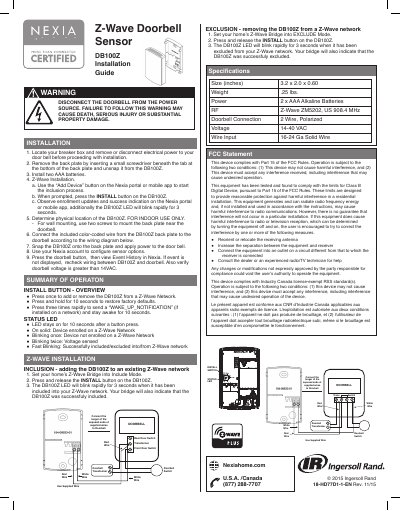
This guide provides instructions for installing the Nexia DB100Z Z-Wave Doorbell Sensor. It covers safety warnings, physical mounting, and connecting the device to the existing doorbell wiring. The document specifies that the device operates on 14-40 VAC and requires two AAA alkaline batteries.
| Size | 3.2 x 2.0 x 0.60 inches |
|---|---|
| Weight | .25 lbs. |
| Power Source | 2 x AAA Alkaline Batteries |
| RF Frequency | Z-Wave ZM5202, US 908.4 MHz |
| Voltage | 14-40 VAC |
| Wire Input | 16-24 Ga Solid Wire |
Set your home's Z-Wave Bridge into Include Mode, then press and release the INSTALL button on the DB100Z.
A blinking LED indicates that the device is not enrolled on a Z-Wave Network.
No, the device is for indoor use only.