
Tyco Electronics 2201L Touchmonitor User Manual

2201L Touchmonitor User Manual
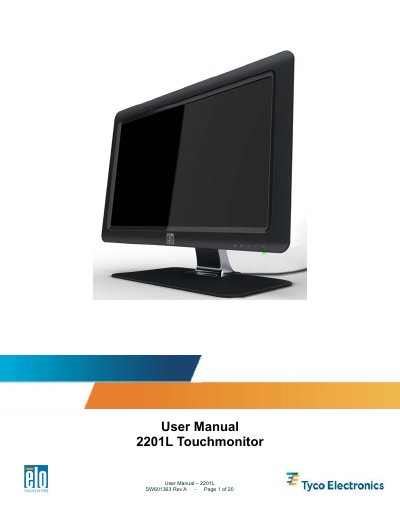

Tyco Electronics 2201L Touchmonitor User Manual - cover page
Brand
Tyco Electronics
Category
Monitors
Document type
User Manual
Language
English
Pages
20
File format
PDF
File size
875 KB
Published
16 October, 2023
Updated
16 October, 2023
MD5 checksum
3F4F801831E8D25CC1DE2CBC4DB363D5

About this manual

The Tyco Electronics 2201L is a Full HD (1920x1080) active matrix thin-film-transistor LCD panel with LED backlighting. It features Plug & Play compatibility, built-in speakers, and supports various peripherals including webcams and magnetic stripe readers.

What's inside

  • Introduction
  • Installation
  • Mounting
  • Operation
  • Technical Support
  • Safety & Maintenance
  • Regulatory Information

Frequently asked questions

What is the native resolution of the 2201L touchmonitor?

The monitor has a native resolution of 1920x1080 pixels, which is its Full HD display capability.

How do you enable or disable the OSD Locking feature?

Press and hold the Menu and Up buttons for two seconds to toggle the OSD Locking feature on or off.

What happens to the internal speakers when headphones are plugged in?

The internal speakers turn off automatically, and all audio is played through the headphones instead.

Download PDF (875 KB)

More Tyco Electronics Manuals


View all Tyco Electronics manuals →