
This document is the user guide for Tyco Electronics B-Series Touchcomputer, describing its features and characteristics.
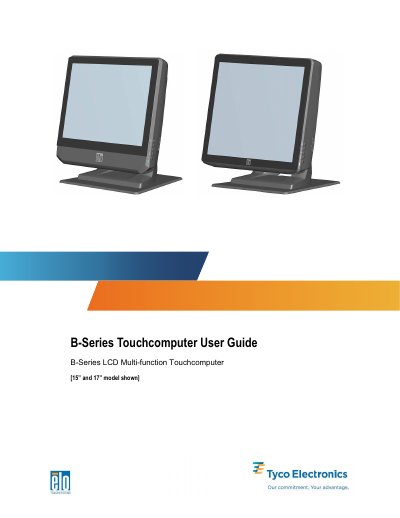
The document provides instructions for setting up the Tyco Electronics B-Series Touchcomputer, including unpacking, adjusting the display from 0 to 70 degrees, configuring the operating system (Windows XP/POSReady 2009/7), and calibrating the touchscreen. It details how to secure the base and select language or time zone settings.
| Processor (B1 models) | Intel Celeron Dual Core E1500 2.2GHz |
|---|---|
| RAM (B1 models) | 2GB DDR2 DIMM on 1 of 1 slot |
| Hard Disk Drive | 160GB 2.5” SATA HDD. |
The display screen can be adjusted from 0 to 70 degrees.
Supported options include Microsoft Windows XP Professional Service Pack 3, POSReady 2009, and Windows 7 Professional.