
This manual introduces the features and capabilities of the Orbit® Touch-Screen Timer. The timer can be used for automatic or manual watering, and has a variety of features, including remote control operation.
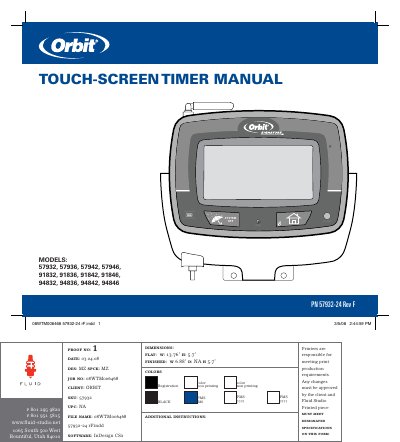
The Orbit Touch-Screen Timer combines simplicity with digital flexibility to offer easy-to-program watering solutions. It features dual programs (A and B) that can be assigned to different stations, allowing users to schedule distinct watering routines for gardens versus lawns. The device includes a convenient docking port for wall mounting and allows the main unit to slide on and off easily for programming anywhere.
| Watering Programs | Program A and Program B |
|---|---|
| Remote Frequency | 433 megahertz |
| Effective Range | 300 feet (200 feet with obstructions) |
| Memory Type | Non-Volatile Memory (EEPROM) |
| Available Languages | English, Spanish, French, German or Italian |
Yes, if your model includes it, you can use an included remote control device via a radio frequency receiver and antennae built into the timer.
Your programming will not be lost because it is stored indefinitely in non-volatile memory.
Yes, using the Water Budgeting feature allows you to increase or decrease watering durations for all stations in both programs simultaneously.