
This manual covers the installation, programming, operation, and troubleshooting for Orbit WaterMaster sprinkler controllers including model 57004-24.
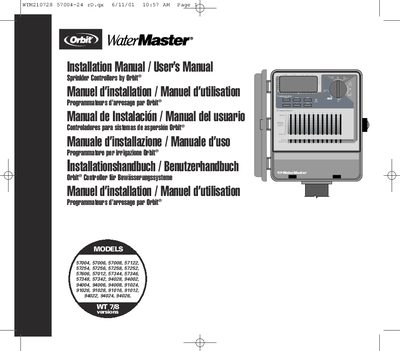
The Orbit WaterMaster sprinkler controller combines mechanical simplicity with digital electronics to offer versatile watering solutions. It supports fully automatic, semi-automatic, and manual modes, featuring a large LCD display, seven programming buttons, and a rotary selector dial for easy setup. The device includes smart diagnostic features like Smart-Scan® fault sensing and an electronic circuit breaker with fail-safe capabilities.
| Battery Type | Two AA alkaline batteries |
|---|---|
| Rain Delay Duration | 24, 48, or 72 hours |
| Program Types | Program A (14 day cycle) and Program B (interval cycle) |
Fully charged batteries should provide sufficient power for approximately one year of protection in a typical installation.
Yes, you can program the controller by inserting two AA alkaline batteries prior to installing it in its permanent location.
The Smart-Scan® diagnostic fault sensor skips over any station that has a short and displays FAULTY with the faulty station number.