
HF430 AC drive instruction manual
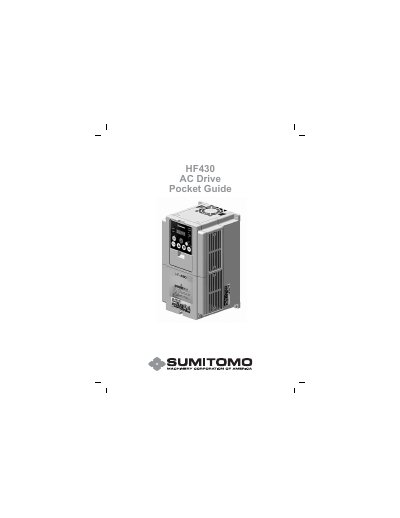
This document serves as a pocket guide for the Sumitomo HF430 AC Drive. It provides essential safety warnings, such as disconnecting incoming power before working on the control, and details the terminal wiring diagrams for power and control connections. The guide explains the functions of the Digital Operator Panel (DOP), including the Run key, Stop/Reset, and Speed Potentiometer.
| Multifunction Relay Rating | 250 VAC, 0.2A max. |
|---|---|
| Multifunction Digital Outputs | 24VDC, 50mA Max |
| DC Brake On Start Power | 0 % |
| DC Brake On Start On Time | 0.0 S |
| DC Braking Carrier Freq. | 5.0 kHz |
The factory setting for the Multifunction Relay is Alarm.
Press the FUNC (Function) key to access the program mode.
Fault code E05 indicates an Overload where the motor current is above the rating for a period of time.
The default value for the Jog Frequency is 5.00 Hz.