
This manual describes the NSO evo2 installation process
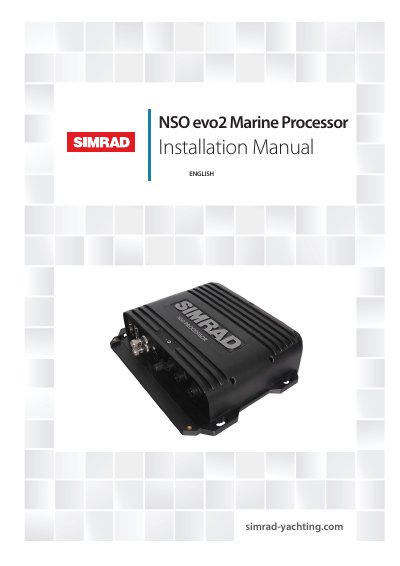
The NSO evo2 Marine Processor features dual quad-core processors and dual monitor outputs to drive displays with independent information. It offers broad connectivity options including internal Ethernet switches, NMEA 0183 transmit and receive ports, and a connection point for a NMEA 2000 compliant data bus. The device supports networking with other NSO evo2 processors, NSS evo2, NSS, NSE, NSO, and B&G Zeus multifunction displays.
| Processor | two fast quad core processors |
|---|---|
| Monitor outputs | dual monitor outputs |
| Ethernet ports | three ports |
| NMEA 0183 ports | transmit and receive ports |
| NMEA 2000 connection | connection point |
No, the OP40 Controller is not included in the box contents.
It is a marine processor designed to drive two displays with independent information and connect to various data buses.
The package includes one NSO evo2 Power cable that has four wires.
You must pre-drill the holes using a drill bit no larger than 2.7 mm.