
This manual describes the function of the Simrad GD10PE IR gas detector, including product specifications, installation, operation, and maintenance.
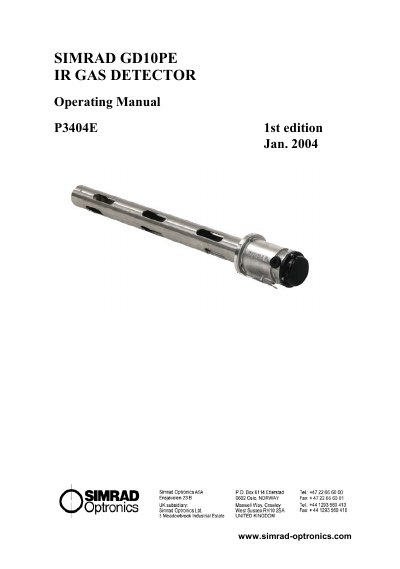
The Simrad GD10PE is an extended point detector designed for monitoring low concentrations of hydrocarbons in hazardous environments using IR-absorption technology. It features a solid-state design with continuous self-testing to ensure reliability and stability without requiring frequent calibration or voting systems.
This manual provides instructions for installing the unit in air ducts, ventilation pipes, or as a wall-mounted point detector. It details electrical connections, start-up procedures, maintenance tasks such as cleaning optical windows, functional testing, and calibration checks.
| Detection method | IR-absorption, dual wavelength, dual path |
|---|---|
| Gas detected | Hydrocarbons |
| Standard detection range | 0-20% LEL (0-1% Vol.) methane |
| Power supply | 24 V DC, range 18-32 V DC |
| Operating temperature | -20 °C to +60 °C |
| Output signal (Standard) | Current source 4-20 mA, max. load impedance 500 Ω |
| Warranty | 5 years full warranty |
No, the presence of oxygen is not required for correct measurement.
The factory set calibration remains stable and no manual recalibration is needed after installation due to the dual wavelength concept.
A signal of 1 mA for 3 seconds at 5-minute intervals indicates dirt accumulation on windows.