
This manual describes the Device Manager module of the HW4 software for managing HygroLab C1 humidity/temperature indicators.
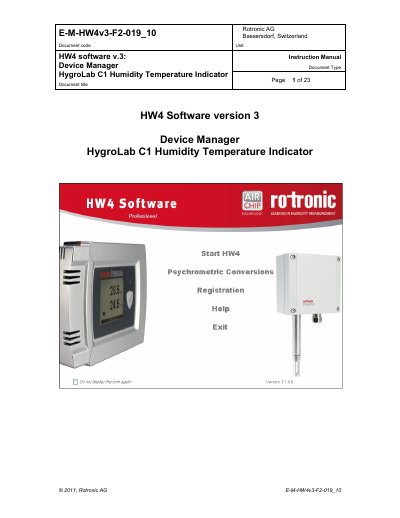
The document describes the organization of the HW4 manuals, specifically focusing on the module dedicated to the HygroLab C1 series. It explains that the HygroLab C1 acts as a two-component system with the HC2 probe (HygroClip 2), providing power and additional functionality such as local data display, keypad access for settings, psychrometric calculations, and automatic data recording.
The manual details how to detect the device using HW4 software via USB or LAN connection. It covers the Device Manager interface used to configure the HygroLab C1, including saving configurations to XML files with a .DAT extension for backup or replacement purposes.
| Software Version | HW4 software v.3 |
|---|---|
| Firmware Release | V1.0a |
The configuration settings are saved in an XML file with the extension DAT.
The indicator provides power to the HC2 probe and offers additional functionality such as local data display, keypad access for settings, psychrometric calculations, manual data capture, automatic recording, water activity measurement, and probe adjustment.
Users can save settings to an XML file with the extension DAT on their PC, which serves as a backup or allows for quick configuration of replacement devices.
The indicator will display an alarm, and if configured to do so, it can generate a fixed value for humidity and temperature whenever that alarm is triggered.