
This document is the instruction manual for the Ohaus ValorTM 1000 Series Scale, which introduces the use of the scale, safety precautions, and other content
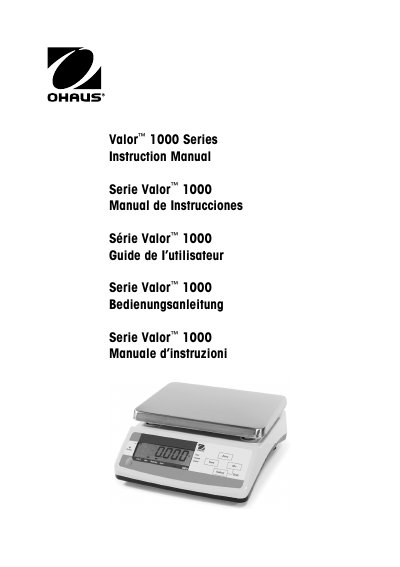
The OHAUS Valor 1000 Series is an electronic scale designed for weighing applications. The device features a 6-digit backlit LCD display with units of measure enunciators and includes various operational modes such as Weigh, Accumulate, and Checkweigh. It supports multiple units including Kilograms, Pounds, Grams, and Ounces.
| Capacity (kg) | 3, 6, 15, 30 |
|---|---|
| Readability (g) | 0.5, 1, 2, 5 |
| Repeatability (g) | 1, 2, 5, 10 |
| Linearity (g) | 1, 2, 5, 10 |
| Weighing Units | Kilograms, Pounds, Grams, Ounces |
| Power requirements | 9 VDC 500 mA AC adapter (supplied) |
| Battery Life | 80/100 hours (with/without backlight on) |
Press and hold the SELECT key, then press the M+ button to display the next available measuring unit.
When the display flashes all segments, simultaneously press and hold ZERO and SELECT. Then follow prompts to set divisions, decimal point, capacity, zero tracking, and span weight.