
This manual introduces the installation and usage method of OHAUS ScoutTM Auxiliary Display.
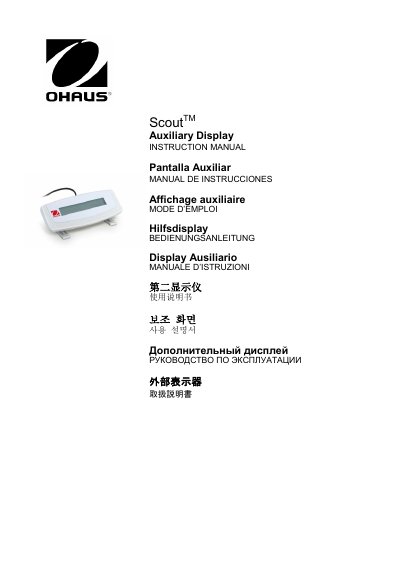
The OHAUS TAD7-S Auxiliary Display is an accessory designed for use with OHAUS Scout STX, SPX, SKX, and SUX series products. The kit includes the display unit, two mounting brackets, and this instruction manual. Installation involves connecting the interface module to the mini DIN port on the rear of the balance and mounting the display on a table or wall using the provided brackets or screws.
| Model | TAD7-S |
|---|---|
| Operating Temperature | 5 °C to 40°C |
| Relative Humidity | 15% to 80% |
| Altitude | Up to 2000m |
| Storage Temperature | -10 °C to +60°C |
This Auxiliary Display is for use with OHAUS Scout STX, SPX, SKX and SUX series products.
The kit contains the Auxiliary Display, two Mounting Brackets, and the Instruction Manual.
Power off the balance, ensure the round connector is installed properly, and then power on the balance.