
Ohaus CompassTM CX Series Scales Instruction Manual

This manual contains installation and operation instructions for the CompassTM CX Series Scales.
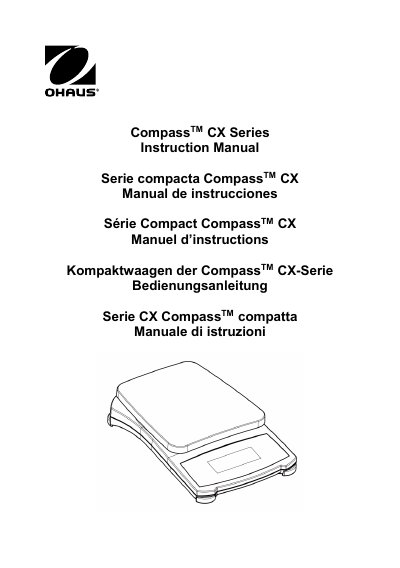

Ohaus CompassTM CX Series Scales Instruction Manual - cover page
Brand
OHAUS
Document type
User Manual
Language
English
Pages
37
File format
PDF
File size
697 KB
Published
16 October, 2023
Updated
16 October, 2023
MD5 checksum
3618944A12FC73C2207CB562D560BA7B

About this manual

The Ohaus CompassTM CX Series Scales are compact digital weighing instruments designed for indoor use. They feature a two-button keypad for power control, unit switching, and menu navigation. The scale includes functions such as Power Up test, Stable Reading indication, Overload protection, Tare, Negative Value display, Low Battery Indication, and Auto Shut-Off to extend battery life.

What's inside

  • Introduction
  • Safety Precautions
  • General Product Features
  • Installation
  • Operation
  • Calibration
  • Backlight Settings
  • Service Information
  • Technical Data

Specifications

Power Requirement3 AA batteries or AC adapter

Frequently asked questions

What indicates a stable reading?

A star indicator appears in the lower left corner of the display.

How do I change the weighing unit?

Press the unit button briefly to cycle through available units like g, N, oz, lb:oz.

Download PDF (697 KB)

More OHAUS Manuals


View all OHAUS manuals →