
This guide provides an overview of some important features in your Chevrolet Camaro.
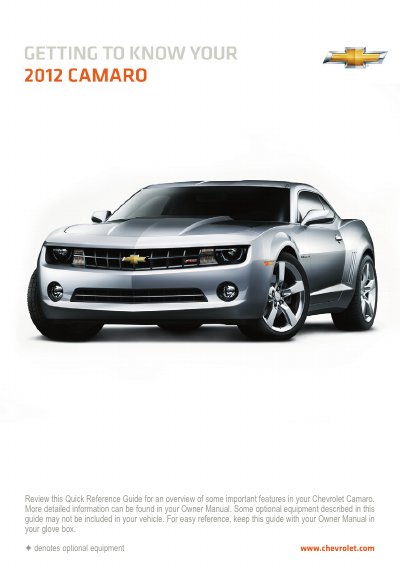
The Chevrolet Camaro Quick Reference Guide offers a concise overview of key vehicle functions and controls. It covers essential systems such as the instrument panel indicators, remote keyless entry, seat adjustments, and head-up display operations.
Detailed instructions on operating these features are available in the Owner Manual. The guide also explains how to use the audio system, including Bluetooth connectivity and storing favorite stations, as well as climate control settings.
| Remote Start Duration | 10 minutes |
|---|---|
| Bluetooth Profiles Supported | A2DP version 1.2 and AVRCP version 1.0 |
| Rear Parking Assist Speed Limit | less than 5 mph |
The engine will continue running for 10 minutes after starting.
Yes, users can make and receive hands-free calls using a paired Bluetooth-enabled cell phone.