
The 2006 Chevrolet TrailBlazer user manual explains instrument panel functions, climate control, door lock programming, and roadside assistance.
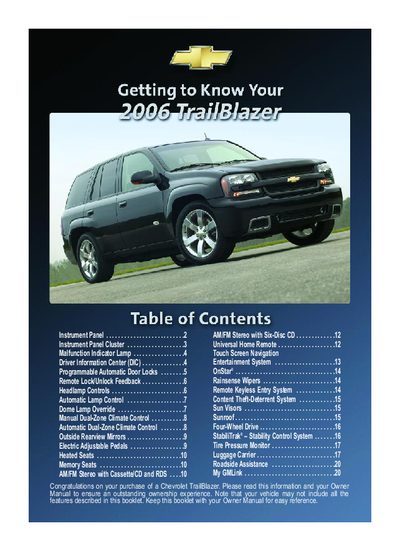
This manual provides detailed instructions for operating the 2006 Chevrolet TrailBlazer, covering the instrument panel cluster, driver information center, headlamp controls, climate control systems, and various convenience features such as automatic door locks and heated seats.
It also includes information on optional equipment like the Tire Pressure Monitor, StabiliTrak® stability control, OnStar® services, and roof luggage carrier, plus a section on Chevrolet Roadside Assistance and how to use My GMLink for owner support.
| Drive Type | Four‑Wheel Drive |
|---|---|
| Stability Control | StabiliTrak® |
| Tire Pressure Monitor | Standard (if equipped) |
| Heated Seats | Available (if equipped) |
Press the reset stem located on the DIC cluster or use the reset button on the steering wheel.
Inflate the tire to the proper cold‑inflation pressure shown on the Tire and Loading Information label, then acknowledge the message on the DIC if needed.