
The Chevrolet Colorado 2006 user manual explains the instrument panel, driver information center, seats, safety features, lighting, and roadside assistance.
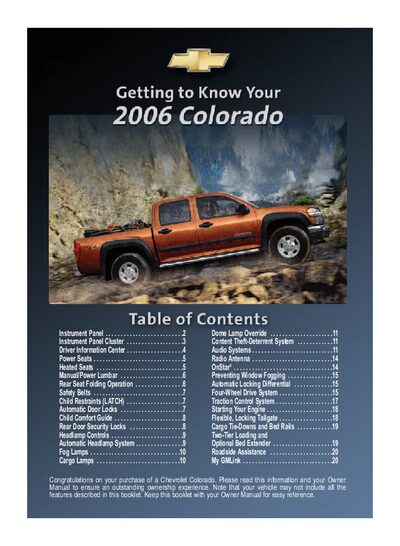
This guide provides an overview of the Colorado’s interior controls, including the instrument panel cluster, driver information center, power and heated seats, safety belts, child‑restraint LATCH system, and exterior lamp controls. It also describes how to operate features such as the automatic headlamp system, fog lamps, cargo lamps, and the traction control system.
Additional sections cover the flexible locking tailgate, cargo tie‑downs, bed rails, two‑tier loading, and the Chevrolet Roadside Assistance program, with instructions for using the My GMLink service and OnStar if equipped.
Press and hold the control stem for more than two seconds while OILLIFE is displayed; the system will reset and a beep will sound.
Press the TCS button on the instrument panel; the indicator light will illuminate when the system is off.
Raise or lower the front of the seat by lifting or depressing the front edge of the control; similar actions adjust the rear of the seat and recline the back.